


Monorepo: Efficient Code Management


In the previous article we discussed software architectures and briefly touched on the concept of monorepos and polyrepos. Today, I will try to clarify what monorepos actually are, when their use makes sense, and when they introduce unnecessary complexity.
What Is a Monorepo?
A monorepository, shortened to monorepo, is a way of organizing code where all projects and libraries within an organization are stored in a single repository. Try to imagine it as a large library where all books (projects) are carefully organized under one roof, instead of being scattered across different buildings.
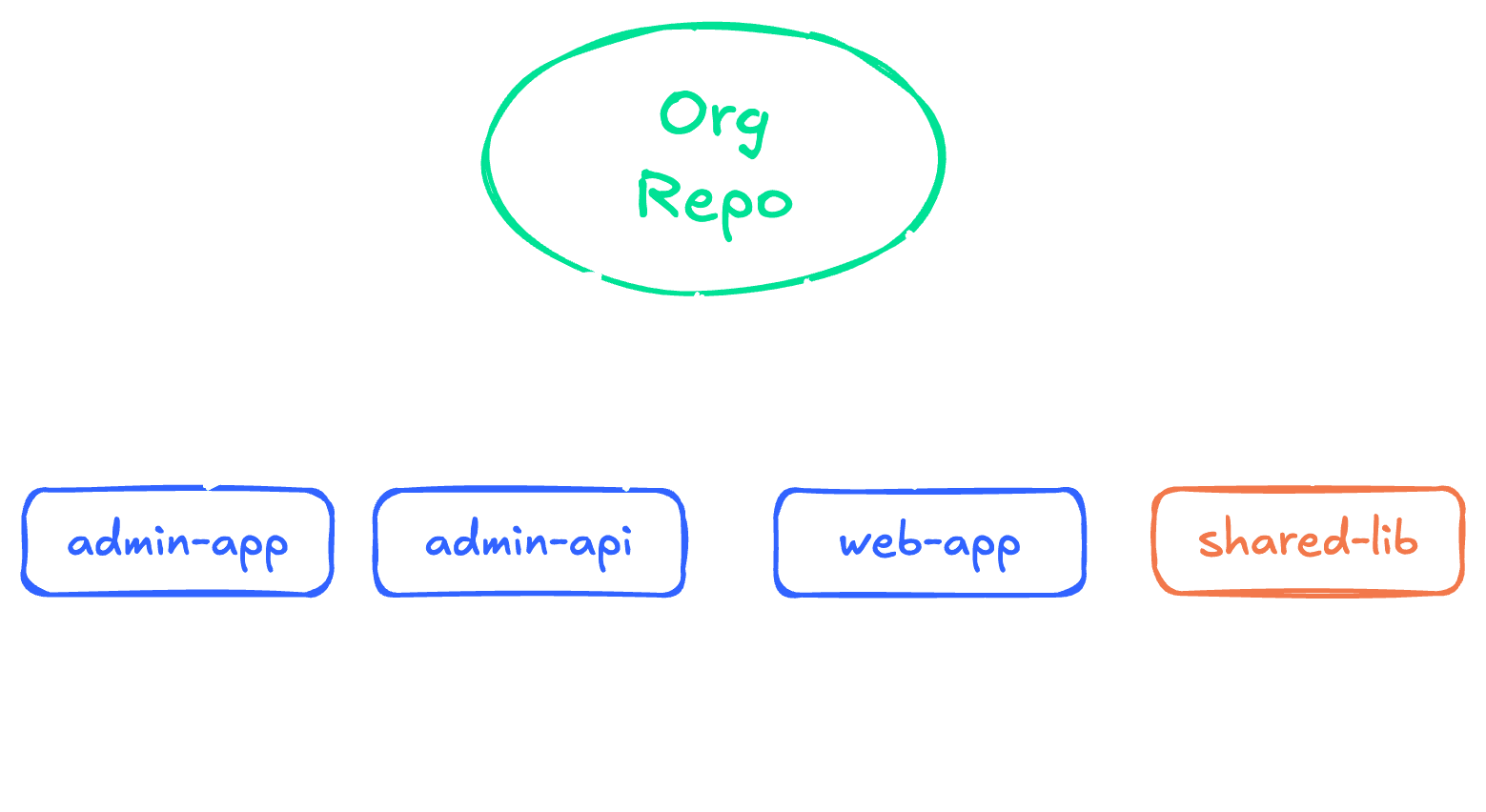
Today, monorepos are used almost everywhere. Examples include the Babel monorepo, React, Remix, or our own React UI library Utima UI. You may notice that besides individual libraries, these repositories often include ESLint plugins, bundler tools, and more.
Benefits of a Monorepo
There are several advantages to monorepos, and over time everyone finds their own. The main benefits include:
Efficient Code Sharing
One of the biggest advantages of a monorepo is easy code sharing between projects. For example, you develop new functionality for one project and realize it could be useful elsewhere. In a monorepo, you simply move the code into a shared library, and it becomes immediately available to all projects.
Atomic Commits Across Projects
A monorepo allows you to make changes across multiple projects within a single commit. This is especially useful when introducing new functionality that requires modifications across different applications, or when implementing breaking changes that affect several projects at once. For large, tightly connected projects, this significantly increases developer efficiency.
Simplified Dependency Management
There is no need to deal with complex version dependencies between different versions of your internal libraries. All projects always use the latest version of shared components.
Challenges of Monorepos
Despite all their advantages, working with a monorepo is not always straightforward.
Performance Considerations
As the codebase grows, common operations such as git clone or npm install may take longer. This can be frustrating, especially in CI/CD environments, where pipeline execution time increases significantly.
Another issue, typical for TypeScript projects, is longer indexing times and slower LSP performance. It is important to be prepared for these aspects and implement optimizations if necessary.
More Complex CI/CD Pipelines
Configuring CI/CD for a monorepo can be more demanding. You need to ensure the correct build and deployment of individual parts of the application, which often run in different environments. Fortunately, there are tools that help with this task.
Tools for Managing a Monorepo
Fortunately, there are many tools that help address and solve these challenges:
- Lerna – A pioneer in monorepo management for JavaScript projects. Although older, it still offers useful features, especially for managing and publishing libraries.
- Turborepo – A newer tool from Vercel focused on speed and efficiency. It provides advanced caching and parallelization of npm scripts.
- Nx – A comprehensive tool with a wide range of features. It offers advanced capabilities for management, analysis, and code generation, including a sophisticated CLI. Teams that learn to use Nx effectively can quickly generate packages and projects in many popular frameworks.
Is a Monorepo the Right Choice for Your Team?
The choice of a monorepo depends on many factors—team size, the nature of your projects, and your long-term goals. For smaller, isolated projects, a monorepo may introduce unnecessary complexity. For larger, interconnected projects, however, it can bring significant benefits in efficiency and consistency.
From our experience, we use monorepos in most long-term collaborations, where the simplicity of sharing code within full-stack JS development truly pays off.
Monorepos for Beginners: npm Workspaces
If you want to get started with monorepos, plain npm workspaces are a great starting point. Jumping straight into the Nx documentation can be overwhelming due to the large amount of new information.
One of the first problems monorepos try to solve is linking dependencies between packages and managing them consistently. This can be achieved using npm workspaces.
If you are not using npm, the workspaces protocol is supported by nearly all modern package managers today, including yarn and pnpm.
Create the following directory structure:
monorepo-root
|_ package.json
|_ packages
   |_ shared
   |  |_ package.json
   |  |_ src
   |     |_ index.js
   |
   |_ web-app
   |  |_ package.json
   |  |_ src
   |     |_ index.js
   |
   |_ api
      |_ package.json
      |_ src
         |_ index.js
Each package inside /packages has its own package.json, which allows independent management of dependencies and scripts.
In the root package.json, enable the workspaces protocol:
{
  "name": "my-monorepo",
  "private": true,
  "workspaces": [
    "packages/*"
  ]
}
The root package.json can also contain all shared dependencies (often most devDependencies), which you can maintain in one place. Workspaces ensure they are installed only once, increasing installation speed and saving disk space.
Dependencies Between Projects
In our example, we created a shared package containing code shared between the API and the web application. You can use the shared package in the api and web-app applications by modifying the dependency definitions in their package.json files:
{
  "dependencies": {
    "@my-monorepo/shared": "*"
  }
}
Foundation for Other Tools
Workspaces form the foundation on which more advanced monorepo management tools like Nx, Lerna, or Turborepo are built. These tools extend functionality with advanced build, testing, and publishing capabilities, but all rely on the workspace concept.
Understanding and implementing workspaces is therefore a key first step when working with monorepos. Whether you stay with pure workspaces or later move to a more advanced solution, the knowledge gained will provide a solid foundation for further development of your monorepo.
Conclusion
A monorepo is not a universal solution, but for the right teams and projects, it can be a transformative tool. As with any technology, the key is carefully considering your specific needs and constraints. With the right tools and processes, a monorepo can open new possibilities for your team and projects.
In the future, we will return to monorepos and take a closer look at individual tools for managing them.
Remember, in a monorepo—as in software development in general—the key to success is good organization and regular maintenance.